

Use company variables
Who this is for: people who build workflows, and admins who keep shared settings up to date.
Before you start: to add or change a variable you need the Activate workflows permission. Everyone who can see workflows can see the variables.
A company variable is a plain value that every workflow of your company can read, such as who gets the monthly report or which region to use. Change it once in Settings, and the next runs of every workflow that reads it use the new value. You don’t need a new version or an approval for that.
Add a variable
Section titled “Add a variable”- In Settings, select Variables.
- Select Add a variable.
- Type a Name: lowercase letters, digits and
_, starting with a letter, for examplereport_to. - Pick the Type. Text keeps what you type as it is. Number, true/false, list or object (JSON) reads it as JSON, for example
5,trueor["finance@example.com", "it@example.com"]. - Type the Value and, if you like, what it’s for.
- Select Save variable.
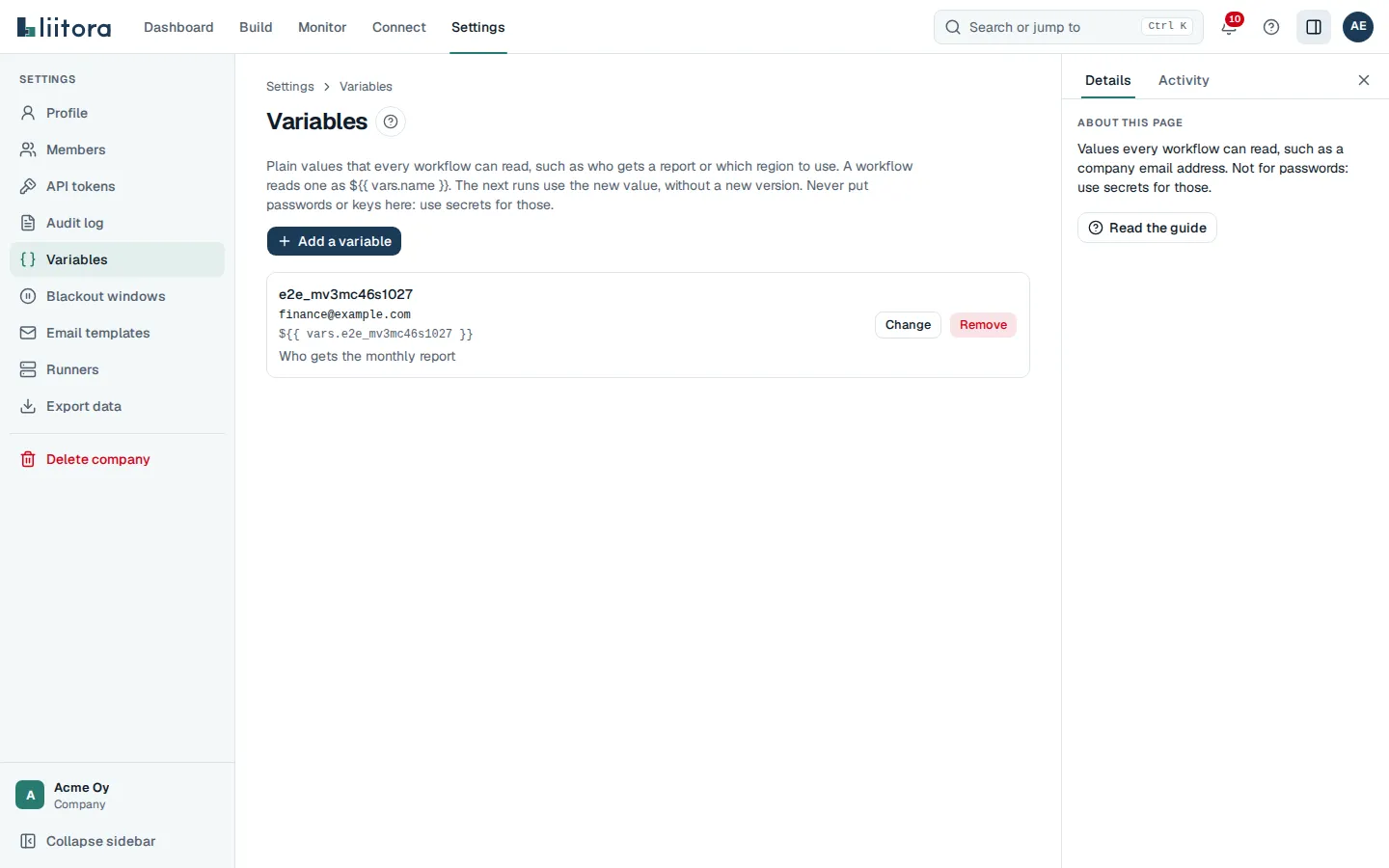
To change a value, select Change next to it. To remove one, select Remove. A workflow that still reads a removed variable gets an empty value (null) from its next run.
A company can have up to 100 variables. Each value can be up to 4 KB.
Read a variable in a workflow
Section titled “Read a variable in a workflow”Use vars.<name> anywhere you can write an expression: in with:, in if: and in concurrency.group.
steps: - id: send name: Email the report to finance if: ${{ vars.report_enabled }} uses: platform/email.send@v1 with: to: ["${{ vars.report_to }}"] subject: Monthly device report text: The report is attached.A run reads the variables when it starts, so changing one never changes a run that is already going.
Variables in tests
Section titled “Variables in tests”Workflow tests never read your company’s real variables, so a test gives the values it needs under given.vars:
{ "name": "Sends the report to finance", "given": { "vars": { "report_enabled": true, "report_to": "finance@example.com" } }, "expect": { "outcome": "success" }}See Test case format.
With your AI assistant or the API
Section titled “With your AI assistant or the API”Your AI assistant has the tools list_vars, set_var and delete_var. Ask it, for example, “set the variable report_to to it@example.com”. It tells you what it changed.
Programs use GET /api/v1/vars, PUT /api/v1/vars/{name} with {"value": ..., "description": "..."}, and DELETE /api/v1/vars/{name}. Every change is in the audit log (the name only, never the value).